Your piano's voices
Free. Keep the sound you already know — PianoBrain plays your digital piano as you press the keys, or drives its built-in voices over MIDI.
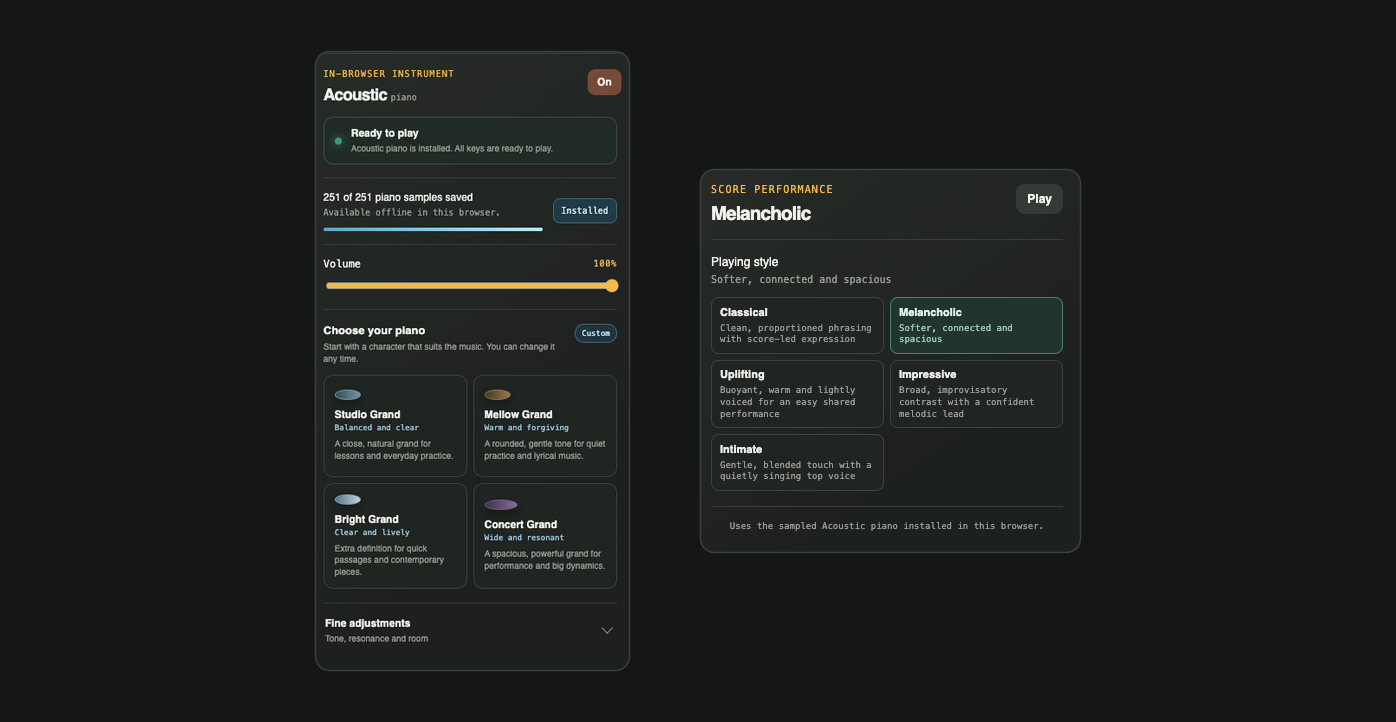
PianoBrain listens over MIDI, so the sound is your choice: the voices of the digital piano you already have, or PianoBrain's own sampled acoustic grand — a real recorded piano, shaped to breathe like the room it was played in.
Free. Keep the sound you already know — PianoBrain plays your digital piano as you press the keys, or drives its built-in voices over MIDI.
On the paid plans. A real recorded acoustic grand in the browser, streamed once and cached so it keeps working offline.
The macOS app plays the fullest, most detailed grand PianoBrain offers, with every note in a big pedalled chord ringing clearly.
The sampled grand is built from recordings of an actual acoustic piano, captured at several velocities — so a whisper and a fortissimo are genuinely different recordings, not one note turned up and down. Up to forty-eight notes can ring at once, the way a pedalled chord really does.
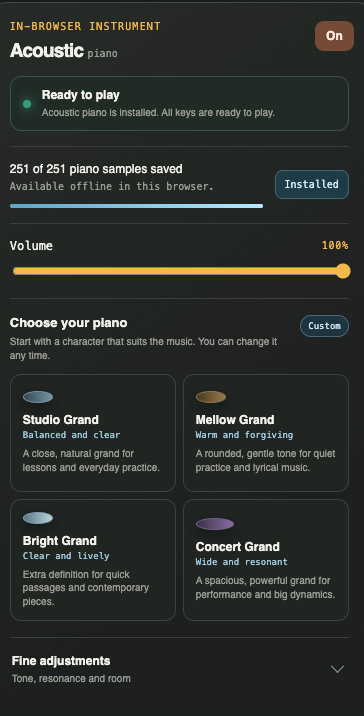
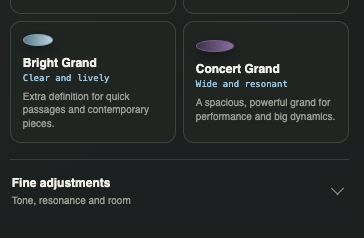
A recording on its own sounds triggered. PianoBrain adds what a real instrument does around the note: sympathetic string resonance, the colour of the soundboard, a touch of hammer and pedal noise, and the acoustics of the room — so the sound settles and decays like a piano in a space, not a sample fired off.
Switch the whole character of the instrument without leaving the piece — from an intimate practice tone to a full concert grand.
A close, natural grand for lessons and everyday practice.
A rounded, gentle tone for quiet practice and lyrical music.
Extra definition for quick passages and contemporary pieces.
A spacious, powerful grand for performance and big dynamics.
PianoBrain doesn’t just make the sound — it can perform your whole score, and you choose how. Pick a playing style and hear the same notes reshaped: softer and spacious, or broad and confident. It plays through PianoBrain’s piano or your own, so you can sit back and listen to the piece you’re learning.
The style you choose is also the reference your own playing is measured against — so the feedback reflects the performance you’re actually going for, not one rigid “correct” version.
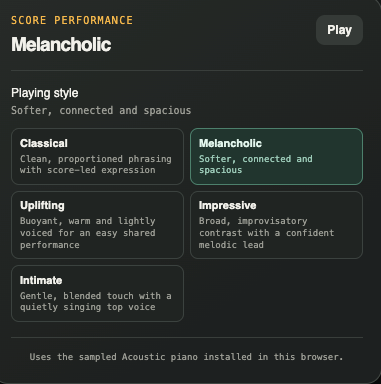
Clean, proportioned phrasing with score-led expression — nothing added, nothing exaggerated.
Softer, connected and spacious, with a little breath between phrases.
Buoyant, warm and lightly voiced, for an easy, shared performance.
Broad, improvisatory contrast with a confident melodic lead.
A gentle, blended touch with a quietly singing top voice.
Feedback needs a MIDI keyboard for the notes you play; the built-in piano is the sound that comes back — no soundfonts to install and no external synth to route. The free plan plays through your own instrument, and the sampled grand with its presets is part of the paid plans. The Mac app goes further ↗
MIDI keyboard
Pair your piano in Bluetooth settings, then connect it here