Import your score
Open your own MusicXML — the piece you're learning, or a page from a method book like Alfred or Faber. No song catalogue, no account to create.
Practice the pieces you already own. Import a MusicXML score, connect the MIDI piano you already have, and work one passage at a time — with feedback that tells you the note you missed, without getting in the way.
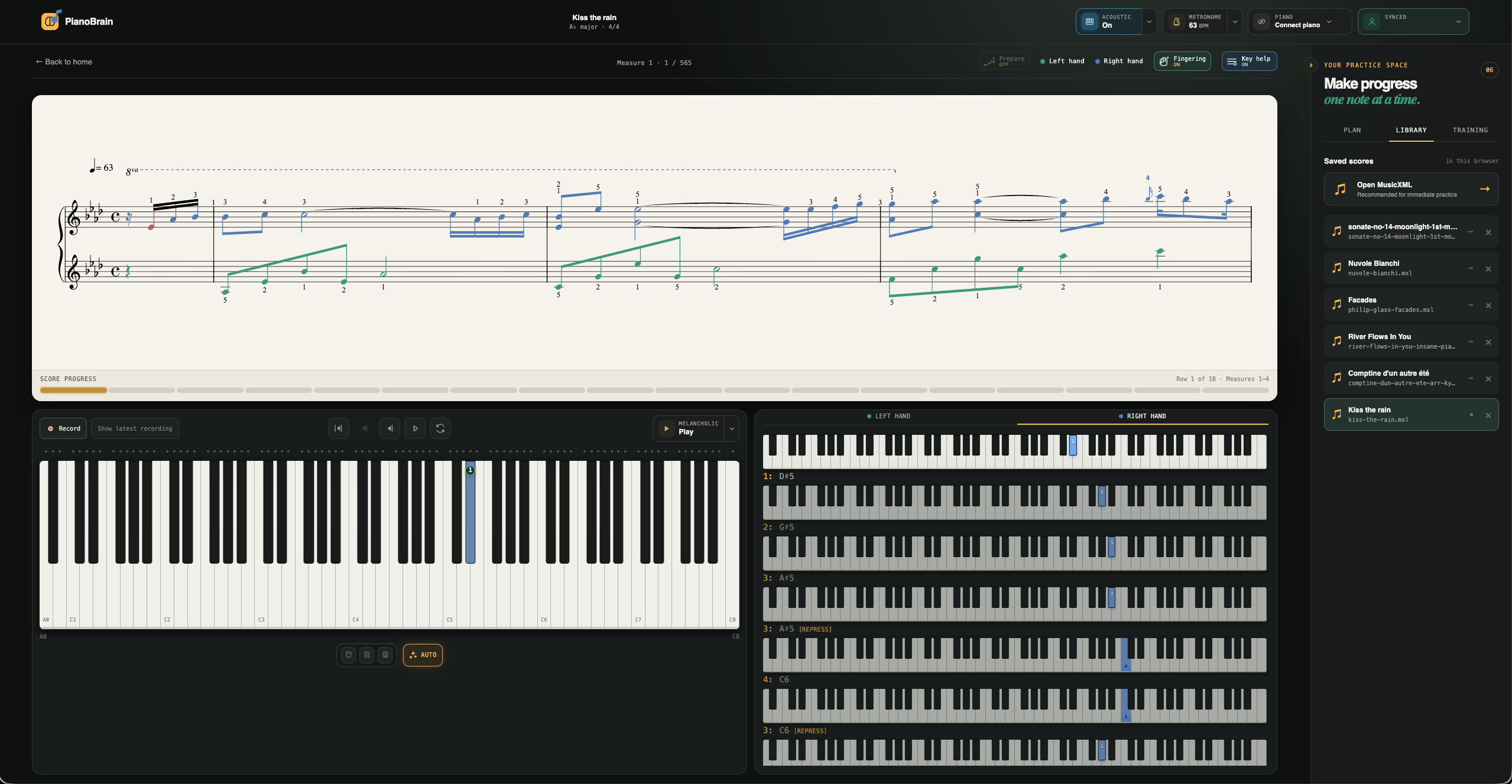
Open your own MusicXML — the piece you're learning, or a page from a method book like Alfred or Faber. No song catalogue, no account to create.
Plug in a digital piano or MIDI keyboard over USB or Bluetooth. Real MIDI, no microphone guessing. Runs in Chrome, Edge and Firefox 108+.
Play one passage at a time. PianoBrain waits for the right note, shows you the one you missed, and loops the bar until it's solid.
Because it listens over MIDI, PianoBrain knows exactly which key you pressed. It waits for the right note instead of racing ahead, marks the one you got wrong, and otherwise stays out of the way — a tool, not a game that talks over your practice.
See how practice works ↗
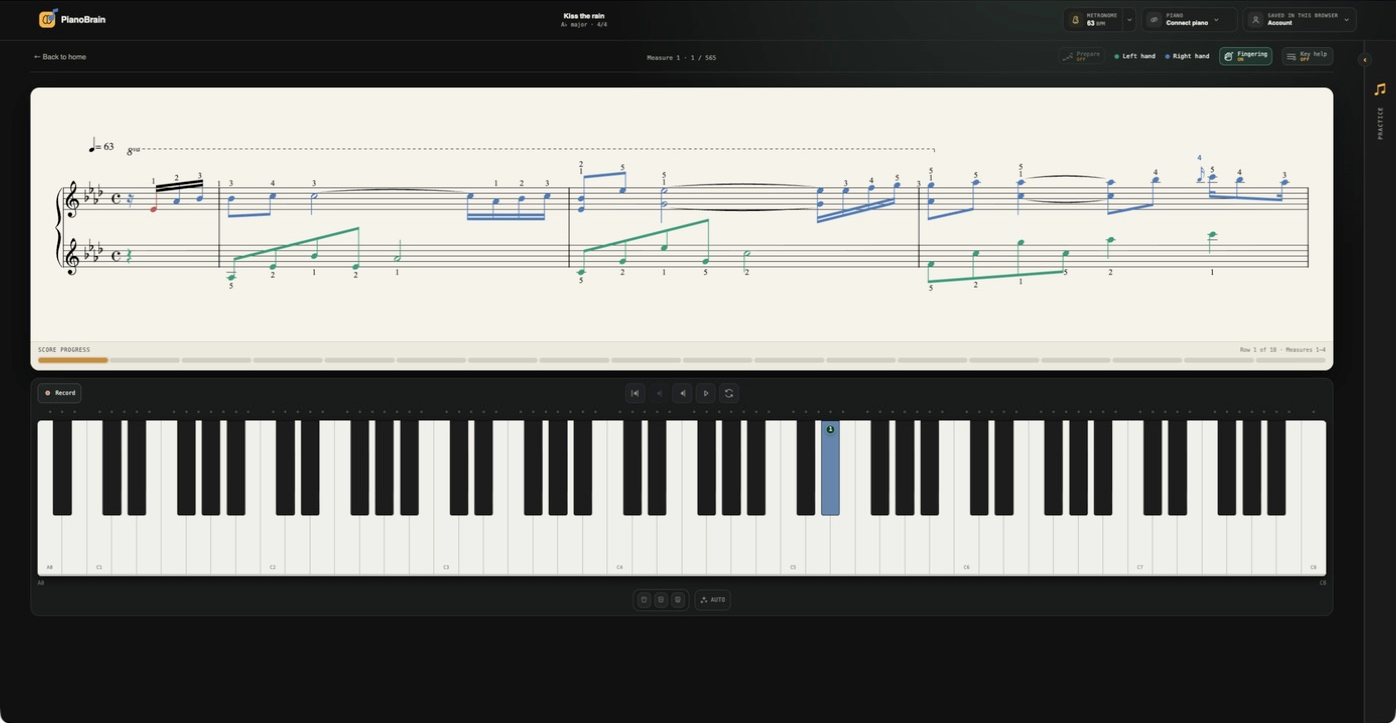
Read from the full page on a laptop or tablet, the way you would from paper — not a handful of notes sliding past. Your scores stay on your device, so practice keeps working offline.
Turn on Prepare and PianoBrain builds exercises from your piece — the scales in its key and short drills from its hardest bars — so the work between lessons actually sticks. It pairs with your method books and your teacher; it doesn’t replace them.
Inside Prepare mode ↗
Your own MusicXML files — .xml, .musicxml and .mxl. There's no built-in song library, and no PDF or photo import.
A MIDI piano or keyboard, over USB or Bluetooth. An acoustic-only piano needs a MIDI pickup — there is no microphone mode.
Chrome, Edge and Firefox 108+ on a computer or an Android phone. It can't run on iPhone or iPad, where Apple makes every browser use Safari — use a computer, or the Mac app.
Scores are saved on your device and the core loop works offline. Cloud sync and the macOS app come with the paid plans.
“Practice until you can’t get it wrong.”
MIDI keyboard
Pair your piano in Bluetooth settings, then connect it here