FINGERING
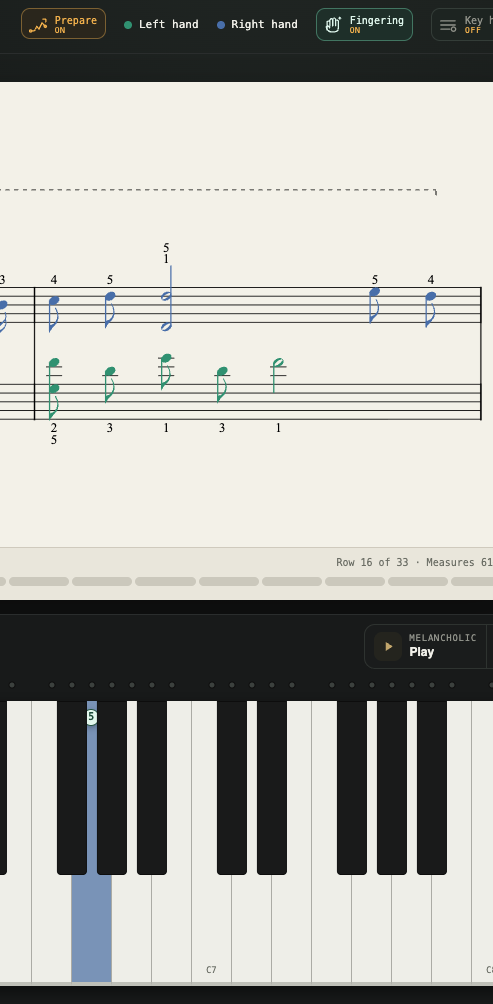
Suggested fingering.
Uses the fingering written in your score, and fills the gaps with a trained model when the notation leaves them out.
Practice with your own scores
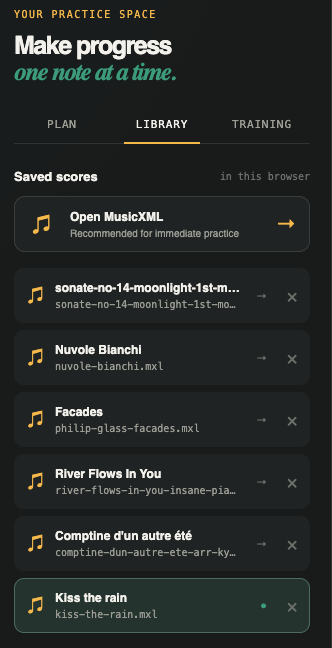
Open a MusicXML score, connect your MIDI piano by USB or Bluetooth, and practice note by note with feedback as you play.
MIDI keyboard
Pair your piano in Bluetooth settings, then connect it here
PianoBrain isn’t a catalogue of someone else’s songs. You import your own MusicXML — the piece you’re learning, the method-book pages your teacher assigned — and practice that. No monthly fee to play music that was never yours.
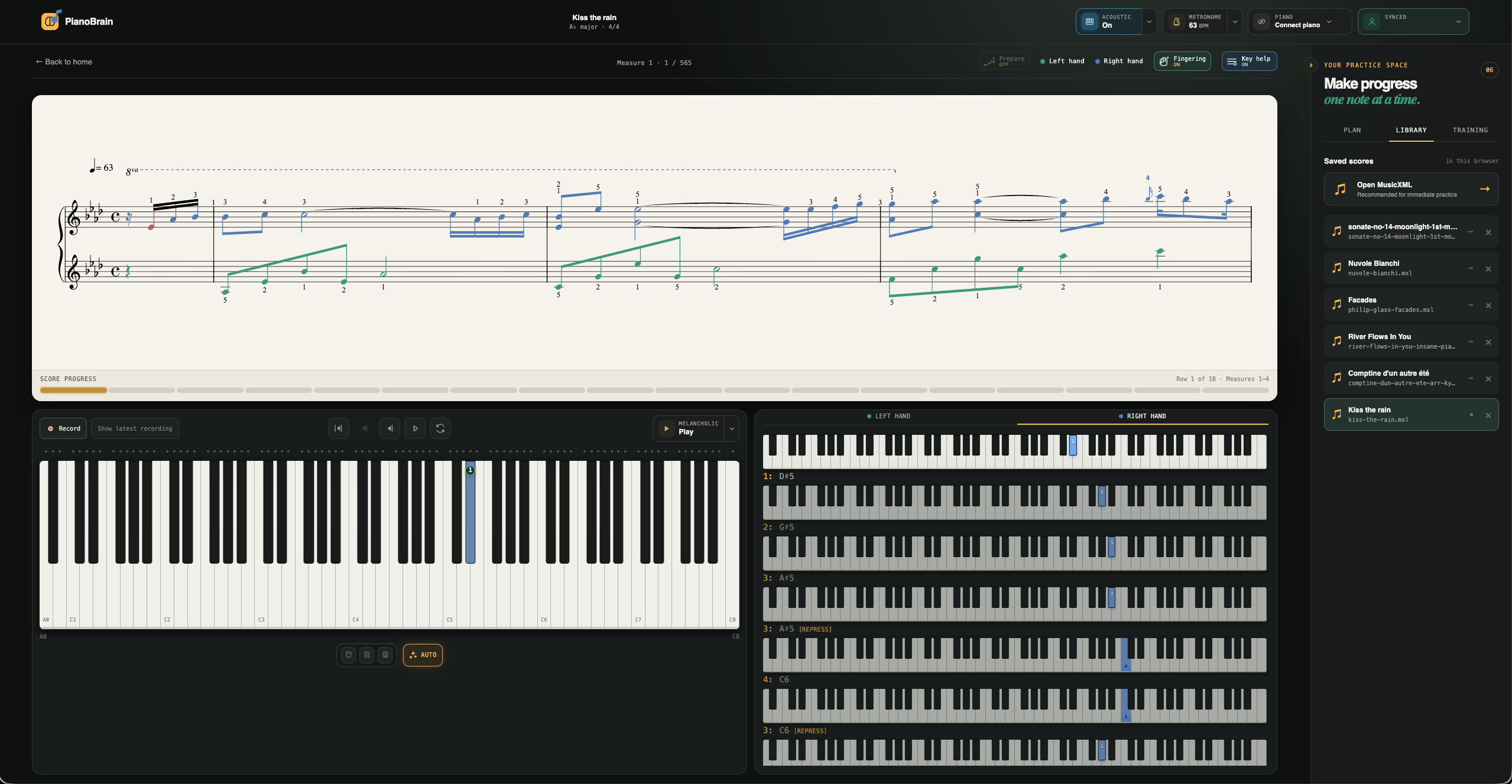
The score stays in front of you and PianoBrain waits for the right note — it never races ahead or guesses. Work one hand or both, loop the passage that’s fighting you, and see the note you missed the moment you miss it.
Uses the fingering written in your score, and fills the gaps with a trained model when the notation leaves them out.
An 88-key panel highlights the notes for the current step, with finger numbers and hold, re-press and grace cues — then closes when your eyes should be on the score.
Follow the written tempo, tap your own pulse, add a count-in, or set the click volume for the take you want to work.
Turn on Prepare and PianoBrain reads your piece and writes a practice set made for it: the scales, arpeggios and cadences in your song’s key, plus short drills lifted from its own trickiest patterns and hardest bars — each one sized to the reach the piece actually asks for.
Built from the notation itself, not an AI guessing at your music.
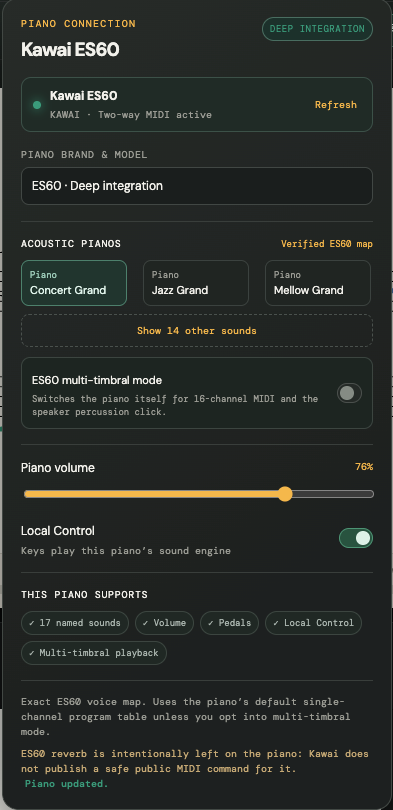
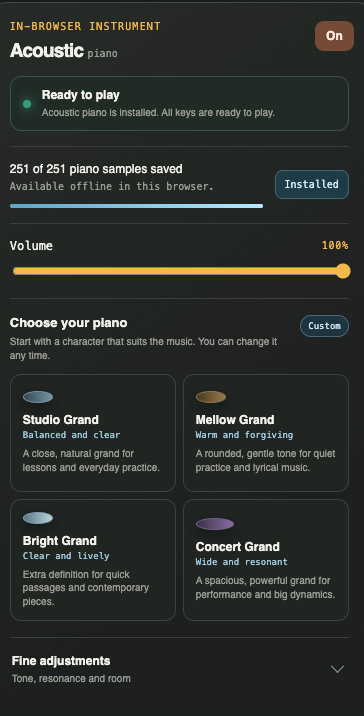
PianoBrain listens over MIDI, so you choose what you hear. Keep the sound of your own digital piano — it plays as you press the keys, and the app can drive its built-in voices. Or play through PianoBrain’s own sampled acoustic grand, with tone presets, on any paid plan.
The built-in grand runs larger and higher-resolution in the macOS app.
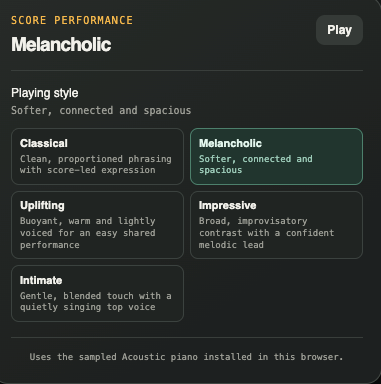
PianoBrain can perform your whole score — through its own piano or your digital piano’s engine — and you choose the interpretation. Play the same piece as Classical, Melancholic, Uplifting, Impressive or Intimate, and it’s a different performance each time. The style you pick also becomes the reference your own playing is measured against.
Connect a digital piano or MIDI keyboard over USB or Bluetooth and PianoBrain listens to exactly what you play — and can drive your instrument’s own sounds, volume and metronome. It works in Chrome, Edge and Firefox 108+ on a computer or Android. It can’t run on iPhone or iPad — Apple makes every browser there use Safari, which blocks it — so use a computer, or the Mac app.
MIDI & piano setup ↗The web app starts free and instantly. The Mac app is for when you want the tightest feel — the sound keeps up with your fingers, your piano connects more closely, and you can steer practice with your voice. It even notices when a wireless speaker is putting you behind the beat.
MIDI keyboard
Pair your piano in Bluetooth settings, then connect it here